AI GIF Generator
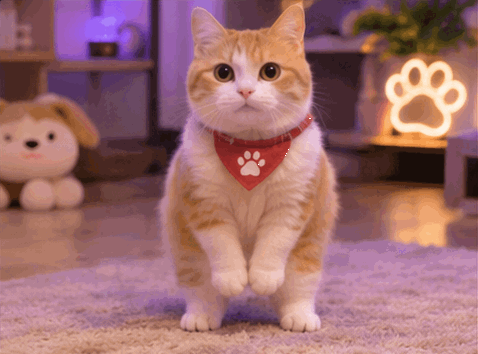
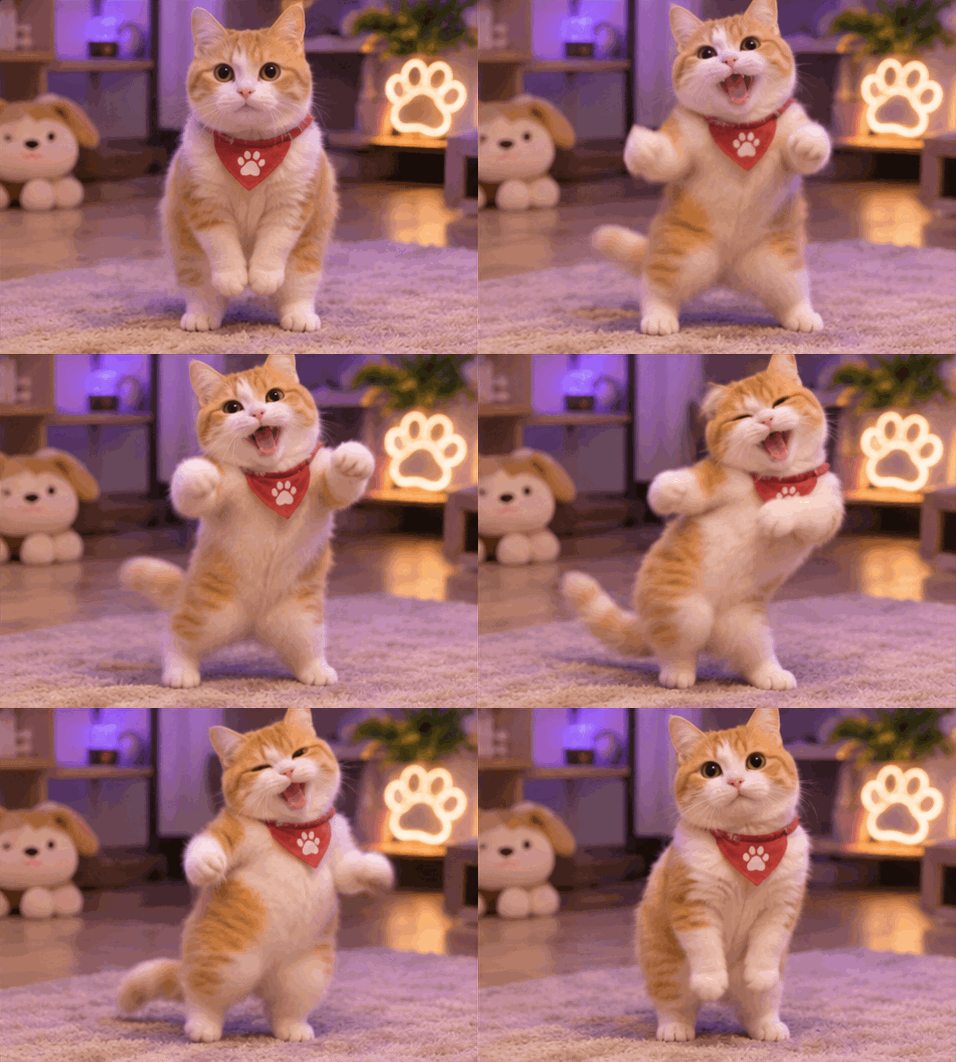
Bring pets, reactions and products to life. Create animated GIFs from photos or text.
Add a JPG, PNG or WebP, or choose Text to GIF.
Tell the AI what should move and how.
Preview your animation, then save the GIF.
An AI GIF generator turns a written idea or a still image into a short animated GIF. Use this tool for a playful pet, a facial reaction or a product animation: describe the subject and one clear movement, then preview the result.
Choose Image to GIF, upload a JPG, PNG or WebP, and describe how the subject should move. Select Generate GIF, wait for processing, then preview and download. For example, ask a clearly visible cat to wave one paw while the camera stays still.
Yes. Choose Text to GIF and describe the subject, appearance and movement without uploading an image. Try “A cheerful blue character waves hello against a plain background.” The tool creates an animated sequence and packages it as a GIF.
Ask for a short movement that returns to its starting pose, with a stable camera and background. For example, describe a paw wave followed by the paw returning to rest. Downloaded GIFs repeat automatically, although a perfectly seamless visual transition is not guaranteed.
Each standard GIF uses 5 credits. Check the cost and your available balance in the generator before starting. The generator shows the current cost before you submit; generation starts only when the server confirms sufficient credits.
Yes. A completed generation appears in the preview with a Download GIF link. Save that file to your device, then upload it to a service that accepts GIFs. The download is an animated GIF; this tool does not add audio.