 AI GIF Generator
An animated logo idea
Use a pulsing glow and gentle light trails to explore an animated logo GIF. AI can alter fine lettering, so this is not a substitute for exact vector animation.
Use this AI Product GIF Generator to explore animated lighting around a product or logo. Start with a clean reference and a restrained effect. Check the resulting shape, lettering and colors before using it as marketing material.
Generate GIFOpens the generator with this prompt. Upload your own image to begin.
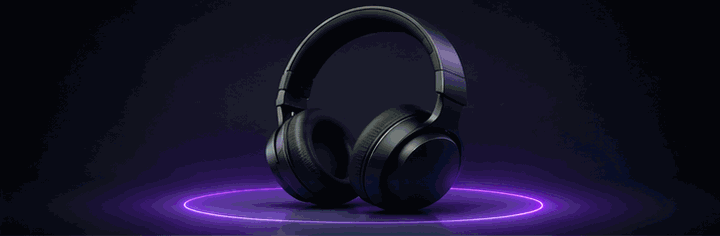
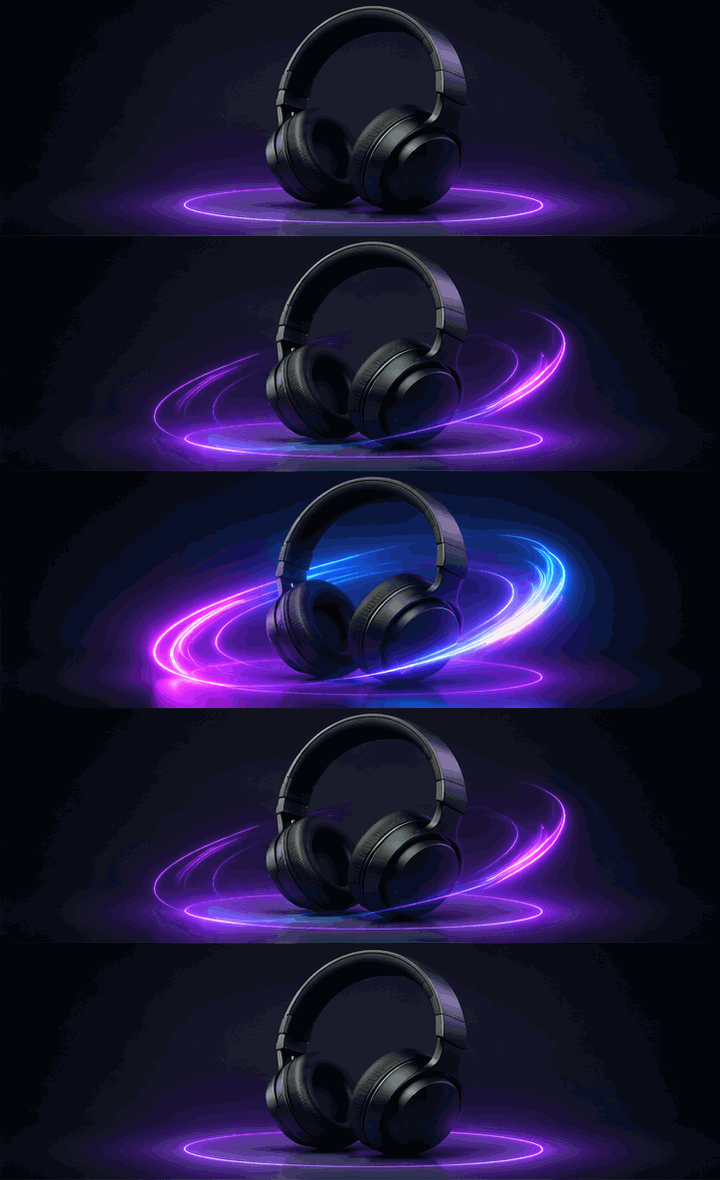
Use a pulsing glow and gentle light trails to explore an animated logo GIF. AI can alter fine lettering, so this is not a substitute for exact vector animation.
Ask for subtle reflections around a stationary product. Keeping the camera stable helps you compare the output with the original photo.
Download an animated product GIF for a compatible store page or social post. A dedicated Product Showcase template is planned, but is not part of this first release.
Animate the uploaded logo or product image into a premium glowing neon-style GIF. Preserve the original logo shape, brand identity, product design and recognizable details. Add elegant blue and purple neon lighting, subtle reflections and smooth animated light trails. The glow gently pulses and flows around the subject while the background stays clean and professional. Keep the composition stable, avoid distortion and create a smooth seamless loop suitable for digital marketing. No additional text, no audio.
Upload a clean product photo, then describe one subtle motion or lighting effect. For example, ask for light to sweep around a stationary bottle against a plain background. Preview the GIF closely to check the product’s shape, label and colors before using it.
Yes. Image to GIF accepts JPG, PNG and WebP product photos. Keep the product unobstructed and describe the animation you want, such as a gentle glow around headphones. Generated details can change, so a preview is not a guarantee of exact product reproduction.
Try Neon Logo Loop with a logo you own or have permission to use. The prompt requests blue and purple lighting around the original shape with a stable composition. Check lettering and edges carefully: AI may distort them, and precise vector-logo animation is not offered.
A product GIF can illustrate a visual idea on a store page or in a message that supports animated images. Download a preview, check file-size requirements, and verify that it accurately represents the item. Commercial rights are not granted by this page; review the applicable terms and your rights to the source material.
Explore a restrained blue and purple glow around your brand.
Try This Effect