 AI GIF Generator
A little dance
Ask your cat to sway and raise its paws. The Dancing Cat GIF Maker prompt requests realistic movement; it is a creative direction, not a guarantee of the final look.
Use this AI Pet GIF Generator to turn a still pet photo into a short dance or playful reaction. Start with one clear subject, describe a simple movement, then preview your animation before downloading.
Generate GIFOpens the generator with this prompt. Upload your own image to begin.
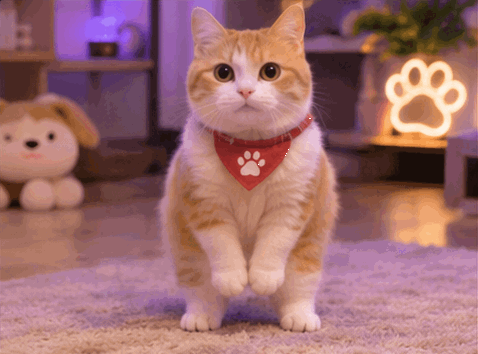
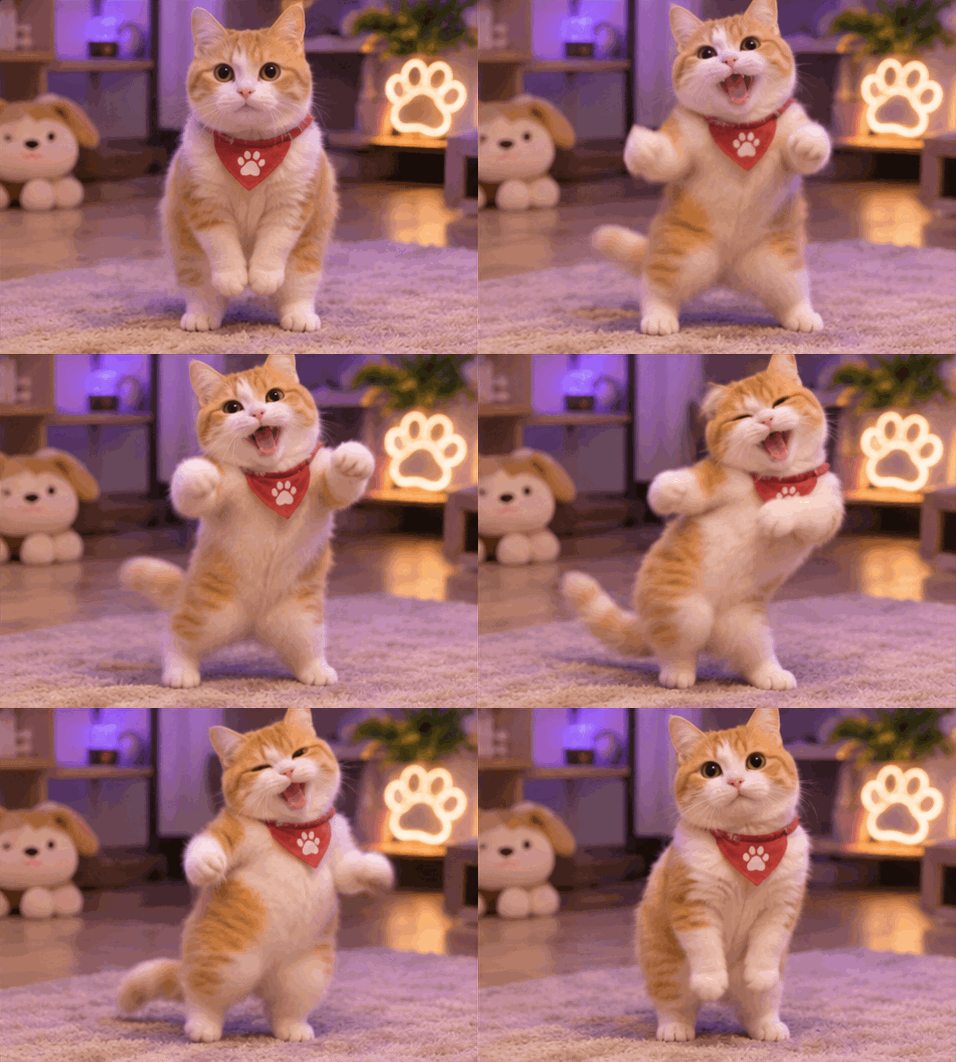
Ask your cat to sway and raise its paws. The Dancing Cat GIF Maker prompt requests realistic movement; it is a creative direction, not a guarantee of the final look.
Try a curious head tilt, blink or paw wave. Pet photo animation is easiest to read when the background stays still.
Use a dog’s happy tail wag or a surprised pet expression as a chat reply. Download the GIF and check that your chat app supports it.
Animate the cat in the uploaded image into a cute, funny dancing character. Preserve its recognizable facial features, fur colors and personality. Use a realistic animation style with natural fur detail and playful, expressive movement. The cat stands up, sways from side to side, raises its paws and performs a silly rhythmic dance. Keep the movement expressive and humorous, with a steady camera and consistent background. Create a short, smooth looping animation. No text, no audio.
Use the Dancing Cat prompt with a clear photo of your cat. Open Try This Effect, upload the photo and keep the movement simple, such as swaying and raising its paws. The template requests a realistic pet dance; review the result because fur markings and anatomy may change.
Yes. Upload a dog photo in Image to GIF and replace the cat wording with your dog and its action. A gentle head tilt or a wagging tail is a useful first prompt. Keep the background and camera still to help the movement read clearly.
Start with one well-lit pet, a visible face and enough room around the body for the requested movement. Use a JPG, PNG or WebP under 10 MB. For a paw wave, choose an image where the paw and body are not hidden behind furniture.
Describe one readable reaction instead of several unrelated actions. For example, ask for a surprised head tilt followed by a blink, with the pet returning to its starting pose. Generate a preview and adjust the motion wording if the reaction is hard to read.
You can download your pet animation and share it where GIF uploads are supported. A short paw wave or surprised look works as a visual reply. Use a photo you have permission to process and check the destination’s file limits; adding captions is not a built-in feature.
Give your pet a playful dance with natural fur detail.
Try This Effect